> For the complete documentation index, see [llms.txt](https://docs.click.trade/llms.txt). Markdown versions of documentation pages are available by appending `.md` to page URLs; this page is available as [Markdown](https://docs.click.trade/chrome-extension/getting-started.md).
# Getting Started
#### 1. Install from Chrome Web Store
* Direct link to Chrome Web Store listing + search instructions
* Pin the Click icon to Chrome toolbar for easy access
#### 2. Log In with Telegram
1. Click the Click extension icon in your Chrome toolbar
2. Click **"Get code"** — this opens the Click Telegram bot (@clickdottrade\_bot)
3. The bot sends you a **login code**
4. Enter the code in the extension's login screen and click **"Log in"**
5. Once authenticated, your wallet and balances sync automatically
> ℹ️ The extension uses the **same wallet** as your Telegram bot — no separate funding or setup needed. Your balances, positions, and trade history are shared.
#### 3. Onboarding Tour (first login)
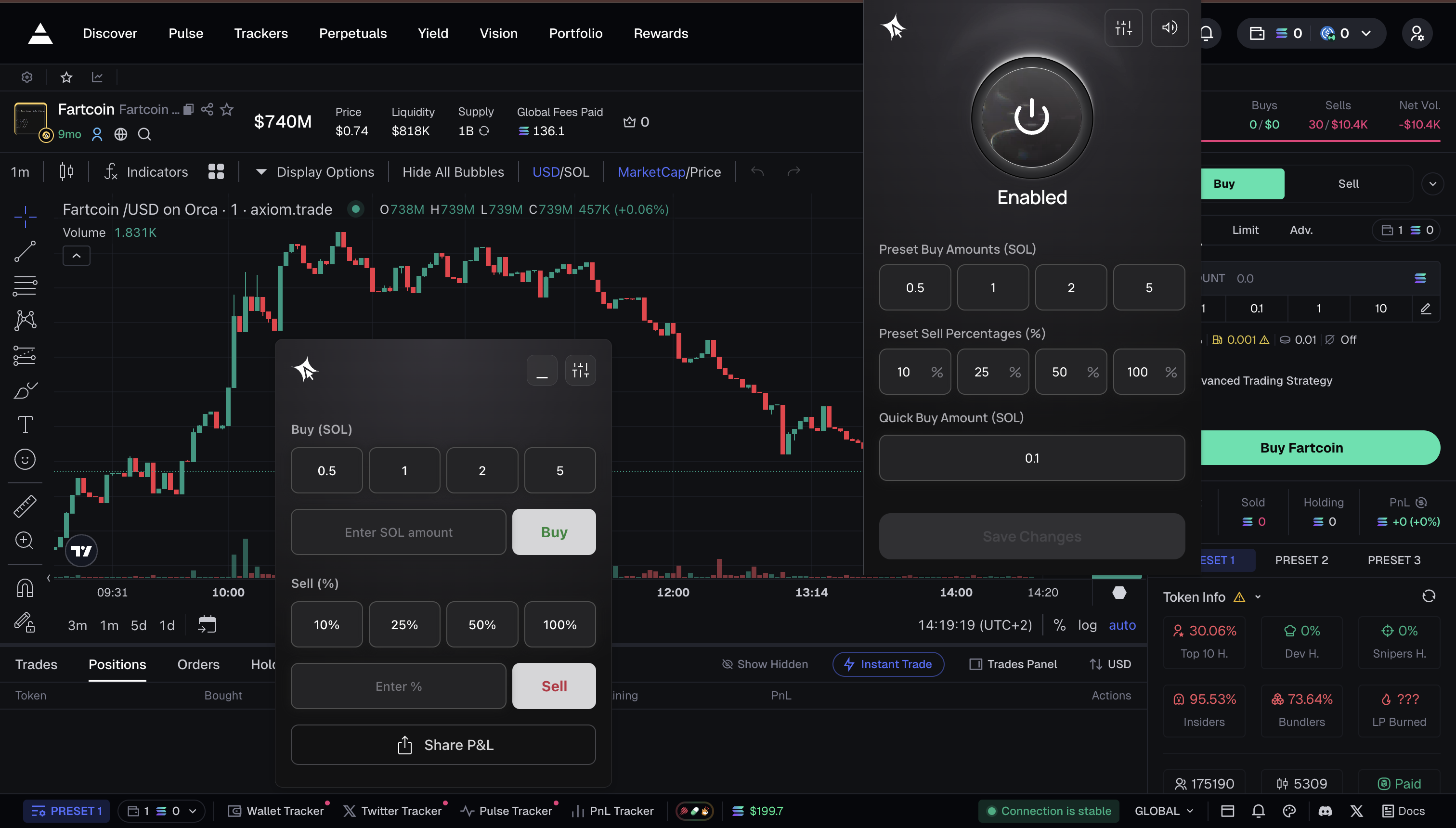
After logging in for the first time, a 5-step tour walks you through:
1. **Enable button** — toggle the extension on/off
2. **Sell presets** — configure quick-sell percentage buttons
3. **Quick Buy amount** — set default buy amount
4. **Settings** — where to find all configuration options
5. **Start trading** — navigate to a supported site to begin
You can skip the tour and access these settings anytime from the extension popup.
#### 4. Start Trading
* Navigate to any supported site (e.g. Axiom, GMGN, Photon, Dexscreener, Pump.fun, Padre)
* The extension overlay appears automatically with Quick Buy buttons and the Trading Terminal
> ⚠️ **Desktop Chrome only** — mobile browsers are not supported.
#### Session Management
* Sessions auto-refresh in the background — you stay logged in
* If your session expires, the extension will prompt you to log in again. Click "Get code" to request a fresh code from @clickdottrade\_bot, then enter it to resume
* Logging out preserves your settings (presets, slippage, MEV mode) for next login
#### **Why Use the Extension**
* Trade directly from supported websites without opening a separate terminal.
* Get instant access to Click’s infrastructure, including fast swaps and advanced order types.
* Keep your tools and research flow uninterrupted while executing trades.
* Enjoy seamless syncing with your Click wallet and trading history.