> For the complete documentation index, see [llms.txt](https://docs.click.trade/llms.txt). Markdown versions of documentation pages are available by appending `.md` to page URLs; this page is available as [Markdown](https://docs.click.trade/chrome-extension/settings/site-preferences.md).
# Site Preferences
**Site Preferences**
#### What it does
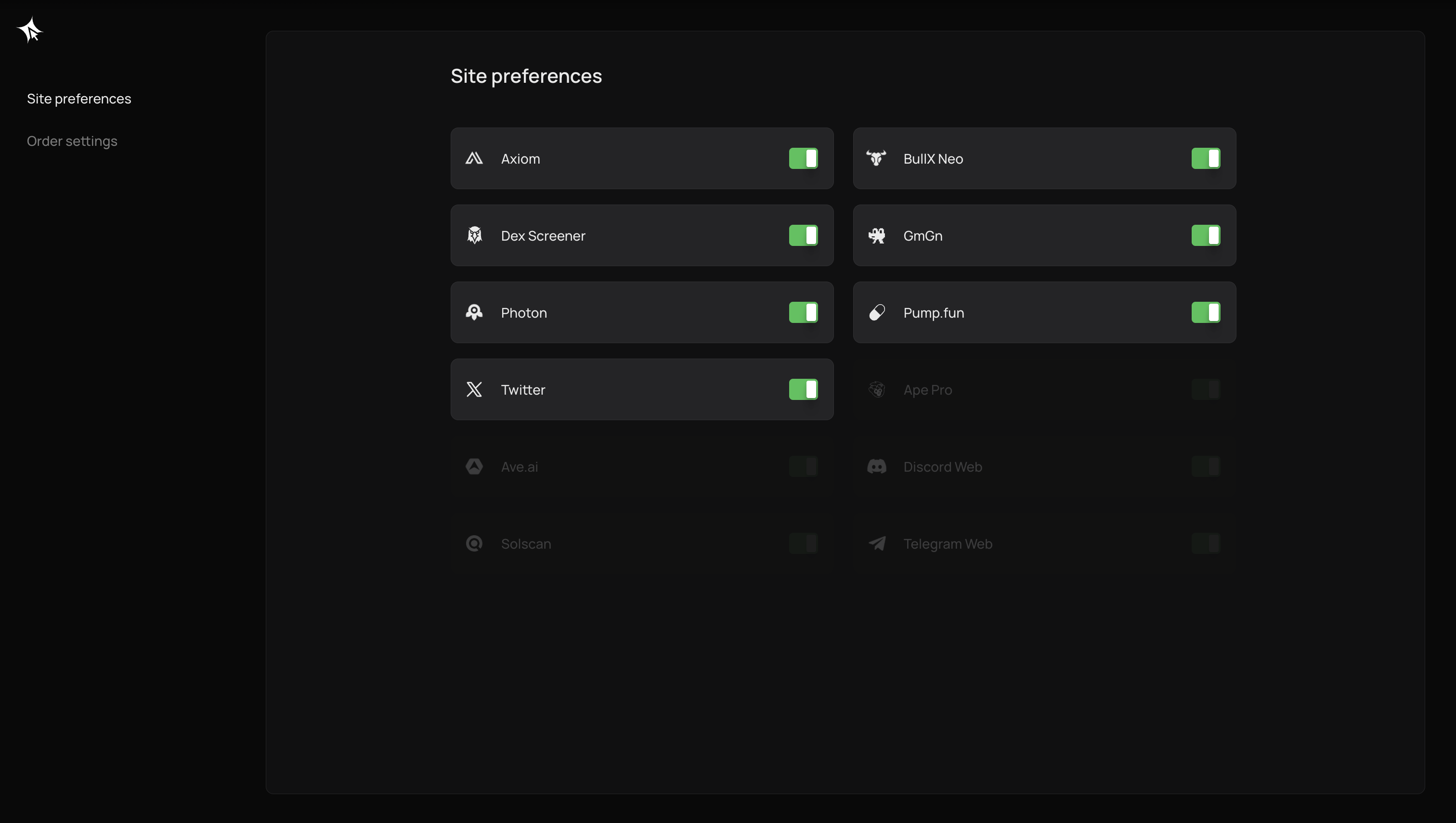
Enable or disable the extension overlay on a per-website basis. When disabled for a site, no Quick Buy buttons, Trading Terminal, or Portfolio panel will appear on that site.
#### How to access
Extension popup → master toggle, OR per-site toggles in the extension settings.
#### Per-site toggles
Each supported site can be individually enabled or disabled:
**Trading sites** (Axiom, GMGN, Photon, Dexscreener, Pump.fun, Padre):
* Quick Buy buttons injected on token pages
* Trading Terminal overlay
* Portfolio panel
**Social sites** (Twitter/X, Discord web, Telegram web):
* Token contract address detection in posts/messages
* Hover overlay showing token info, price, and quick-trade option
* No Quick Buy button injection on the page itself
* Discord and Telegram support is for their **web versions only** ([discord.com](http://discord.com), [web.telegram.org](http://web.telegram.org))
**Explorer** (Solscan):
* Token detection on address pages
* Overlay with token info and quick-trade option
#### How to toggle a site
1. Open the Click extension by clicking its icon in the Chrome toolbar
2. Navigate to the site preferences / settings section
3. Use the toggle switch next to each site name to enable or disable it
4. Changes take effect immediately — no reload required
#### Master toggle
The global on/off toggle disables all overlays across all sites at once. When turned back on, your per-site preferences are preserved.
#### Settings sync
Changes to site preferences sync automatically across all your devices. Any update made in the extension is reflected everywhere.